Start with a Digital Backup
Before a single cable is unplugged, back up everything. Copy critical files to an external hard drive and a cloud service simultaneously — hard drives can fail in transit due to vibration even inside padded boxes. If you use accounting software, a CRM, or proprietary business tools, export your data and note your licence keys before you wipe or move the machine. This step costs you an hour and could save you from a catastrophic data loss that no mover's insurance will fully cover.
Photograph All Cable Connections Before Unplugging
The single most time-saving trick for moving a home office is to photograph the back of every device — your computer tower, monitor, printer, docking station, and router — before you unplug anything. Use your phone to take a clear, well-lit photo from directly behind each unit. When you're setting up in your new home, you'll reconstruct the exact setup in minutes instead of spending an hour trying to remember which cable goes where.
Packing Electronics Safely
- Use original boxes whenever possible - Manufacturer packaging is specifically designed to protect the device; if you've kept them, this is the moment they pay off.
- Wrap monitors in anti-static bubble wrap - Standard bubble wrap can generate static electricity that damages screens; use pink anti-static wrap or a purpose-built monitor box.
- Remove ink cartridges from printers - Cartridges can leak during transport; seal them individually in zip-lock bags and pack them separately.
- Keep laptops and hard drives in your personal vehicle - Don't load irreplaceable or expensive electronics onto the moving truck; transport them yourself where possible.
- Bundle cables with their device - Label each cable bundle with masking tape and a marker so reassembly is straightforward.
Organizing and Packing Files and Documents
- Purge before you pack - Moving is the ideal time to shred outdated documents; CRA recommends keeping tax records for six years, so anything older can go.
- Use a portable file box for critical documents - Keep your move-related papers, insurance documents, and active client files in a handled box that travels with you.
- Label file boxes 'FRAGILE — UPRIGHT' - Even paper files can be damaged if boxes are tipped sideways or stacked heavily.
- Photograph the contents of each file box - A quick photo of the hanging folders in each box means you can find a specific file without opening every box.
Setting Up Your Office in the New Space First
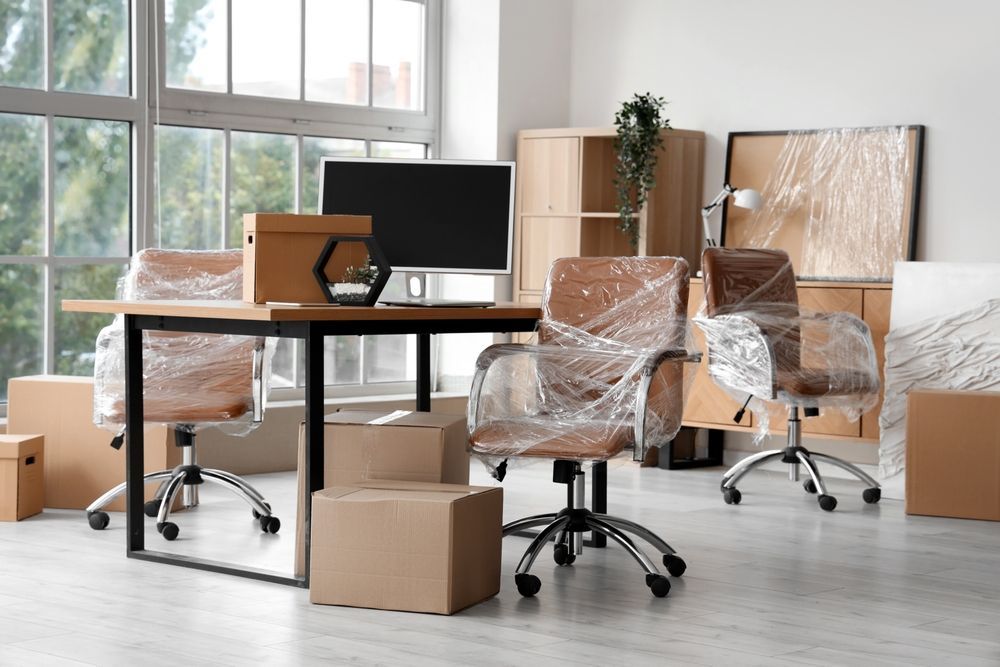
If you work from home and need to be operational quickly, tell your movers to prioritize your office furniture and equipment so it comes off the truck first and goes to the right room immediately. Macho Movers' team is experienced with office relocations and can handle workstations, filing cabinets, and ergonomic furniture with the care they require. Having your desk, chair, and computer set up on day one means you can return to work the next morning without scrambling through towers of boxes.